プロンプト
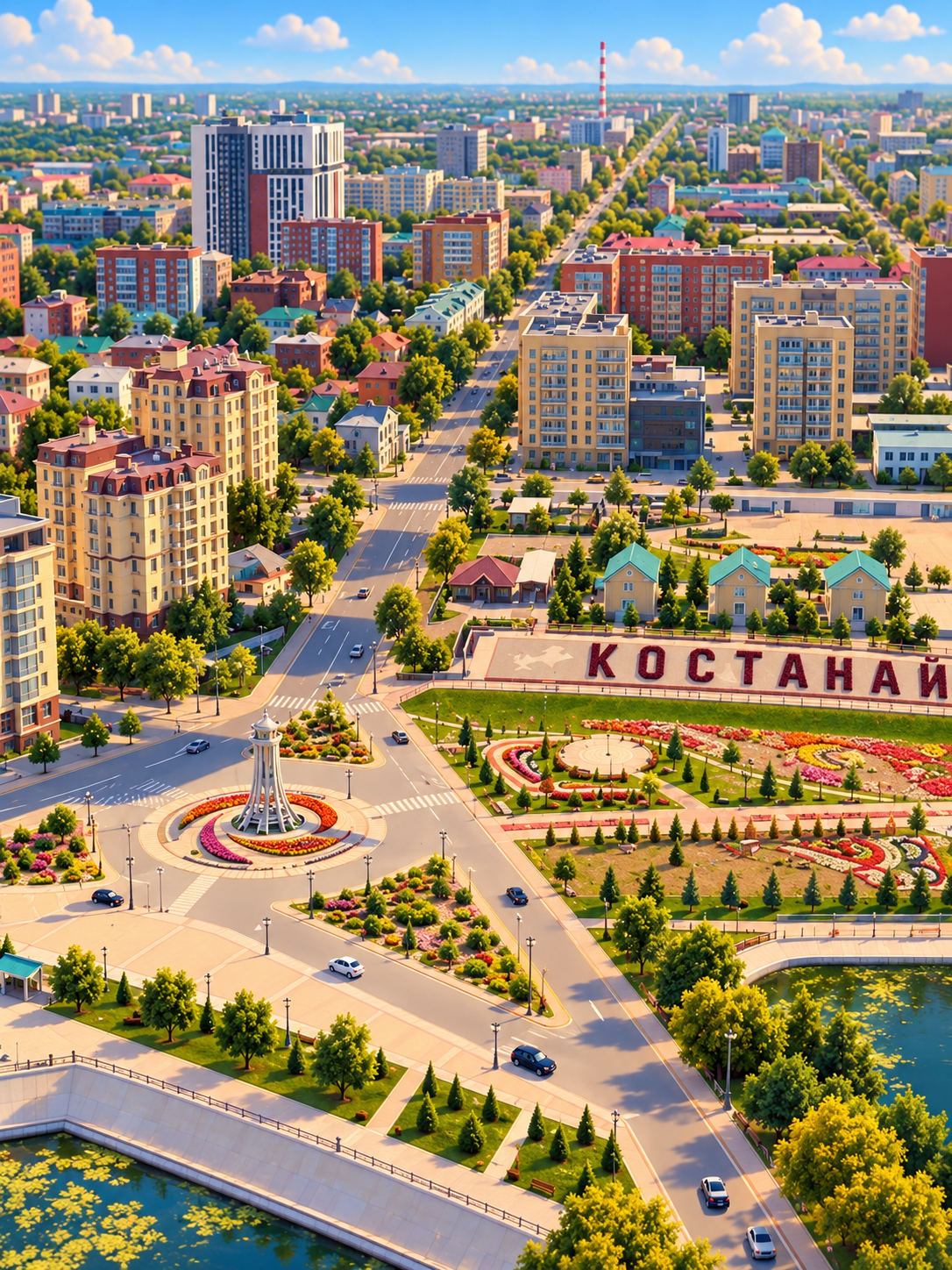
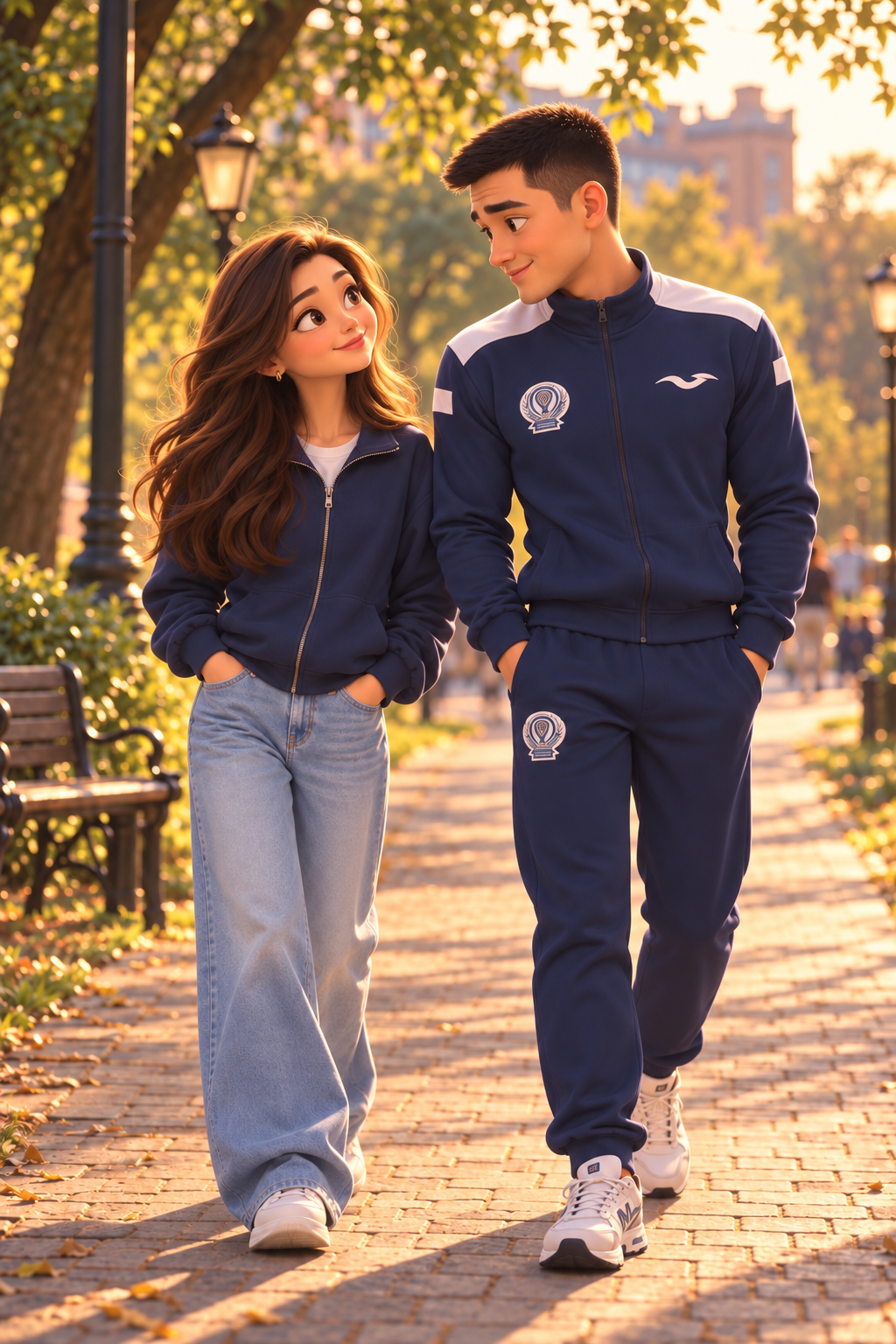
Create a seamless cinematic 6-second drone flight using the two reference images. The first reference is the starting point and the second reference is the destination of the camera movement. 0–3 seconds: The camera starts high above the city, exactly like a cinematic drone establishing shot. It flies forward over the city and gradually descends, following the main road. The drone moves continuously forward, smoothly and dynamically, getting lower and closer to street level. Buildings and streets naturally pass underneath and around the camera, creating strong realistic parallax and a feeling of fast forward movement. 3–6 seconds: The camera continues the SAME uninterrupted forward flight, as if it is physically flying all the way from the city toward the couple. The road naturally leads the camera toward the location where the couple is walking. As the camera gets closer, the couple gradually becomes visible and the camera approaches them from a distance. They are walking together and having an engaging, lively conversation, looking at each other, smiling and naturally gesturing while talking. The camera should feel like one continuous drone flight through the environment, physically traveling from the aerial city view toward the couple. No hard cut, no teleportation, no sudden scene change. The final moment should feel as if the drone has finally reached the couple and is now flying close enough to clearly see them. Preserve the exact character appearance, faces, hairstyles and clothing from the second reference image. Warm golden-hour lighting, cinematic depth, realistic camera motion, polished high-quality 3D animated movie aesthetic. One continuous camera movement from city → road → couple.
Grok Imagine Video 1.5 Preview
設定
似た作品を作成
下の生成ツールで、GeminiOmni らしいプロンプトと設定を使ってアイデアを展開できます。